
Knowledge Base
Tradentrix's knowledge base walks you through everything from signing up your account to running your day-to-day work from the dashboard, covering jobs, customers, calendar, invoicing and more.
Dashboard guides
Need help using the dashboard?
Useful information
Other questions about the service?
Signing up
A step-by-step walkthrough of creating your Tradentrix account, from your first details to logging in for the first time.
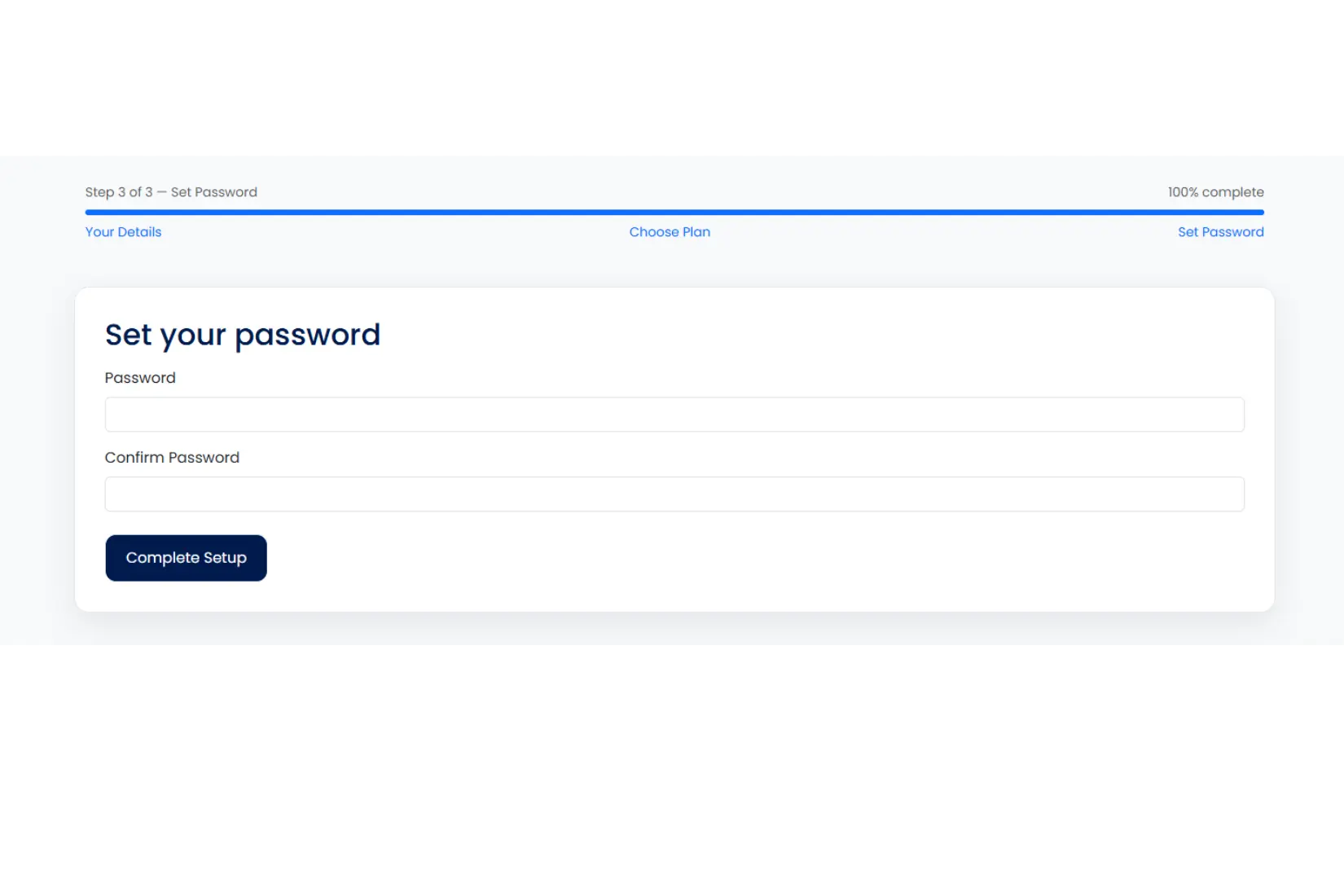
1 Your details
Head to the sign up page and enter your name, then type your email address twice, once to enter it and once to confirm it. If the two don't match, you'll be told straight away and asked to fix it before you can continue. This is what you'll use to log in later.
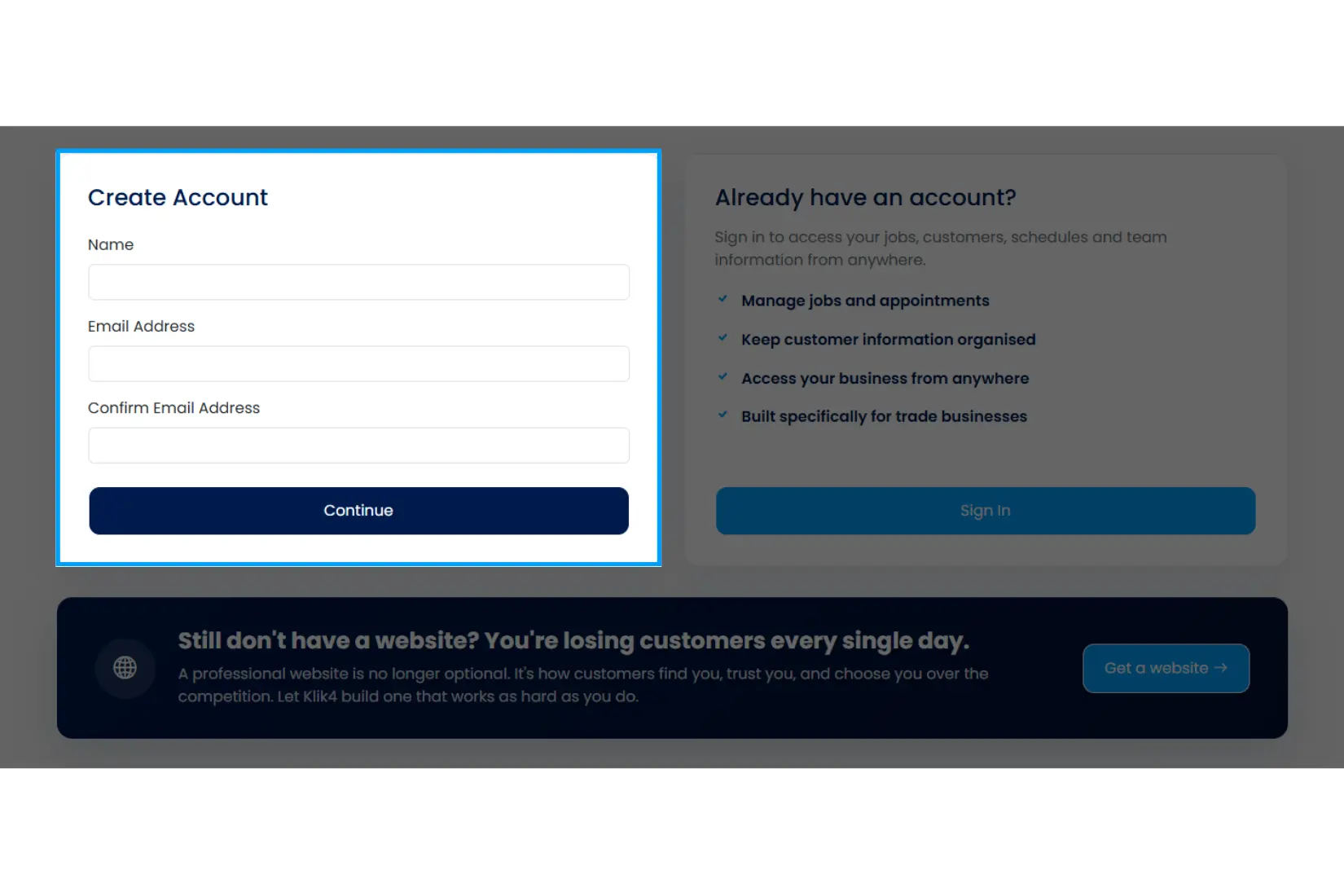
2 Company details
Tell us about your business: company name, trade type, contact details and address. This is used on your invoices, estimates and customer-facing pages, so it's worth getting right, but you can always update it later from Settings.
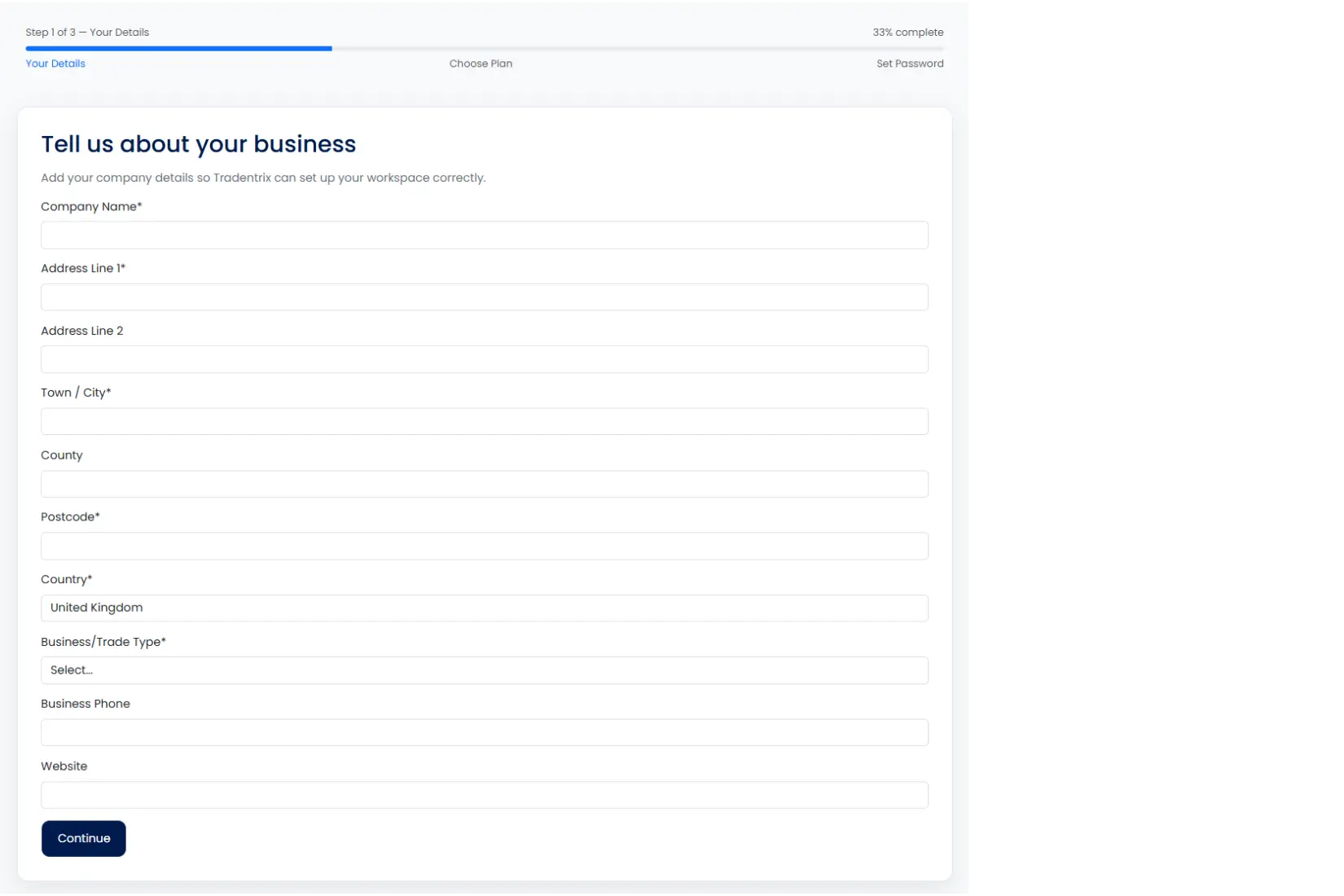
3 Choose a plan
Pick the plan that fits your business. Each plan unlocks different features, so see the pricing page for a full comparison. You can upgrade or downgrade at any time from Settings once you're up and running.
If someone referred you, there's an optional referral code field on this step, add it and you'll get 10% off your first invoice. It's filled in automatically if you signed up through a referral link.
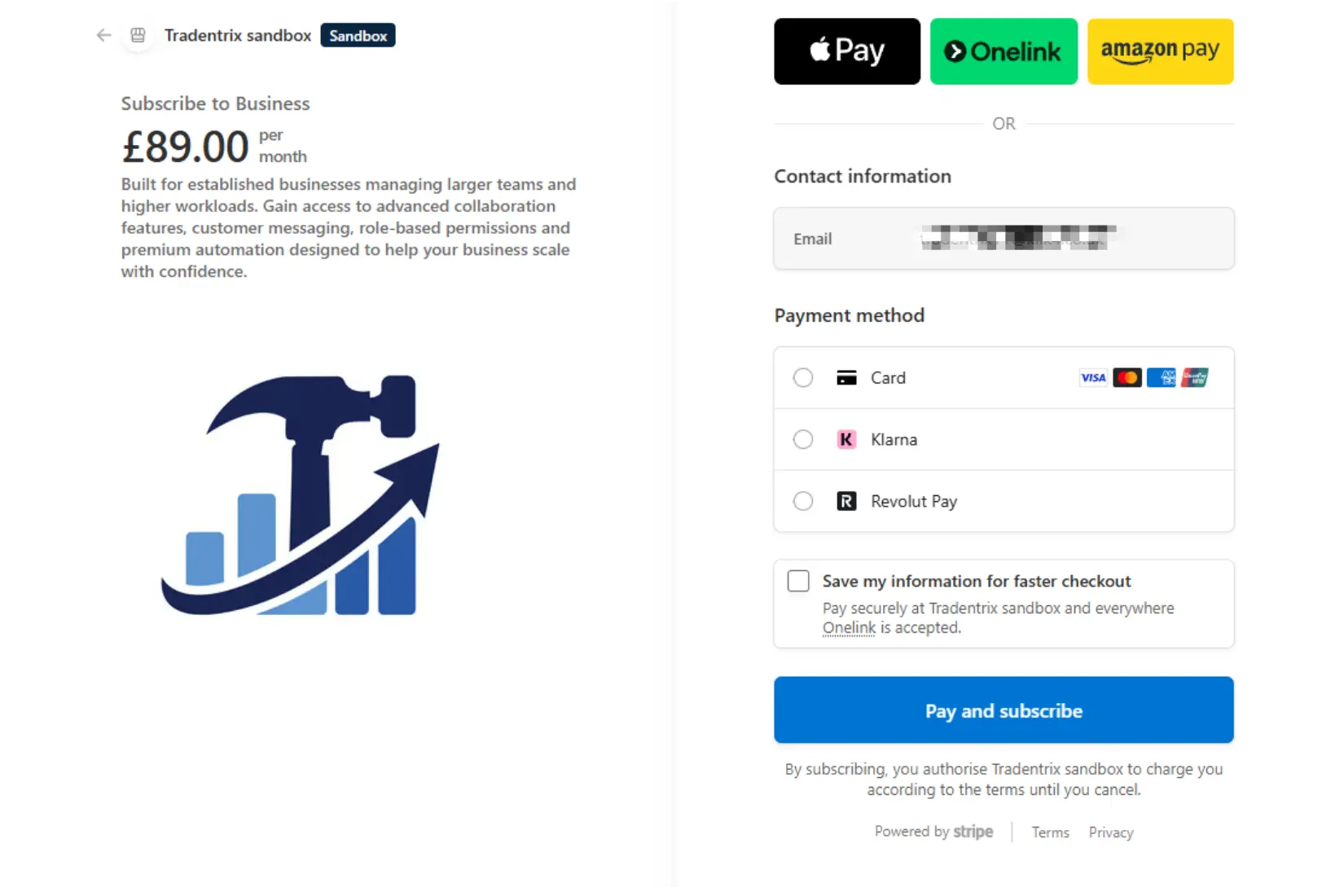
4 Payment
You'll be taken to a secure checkout to enter your payment details and complete your subscription. Once payment succeeds, you're brought straight back to Tradentrix to finish setting up.
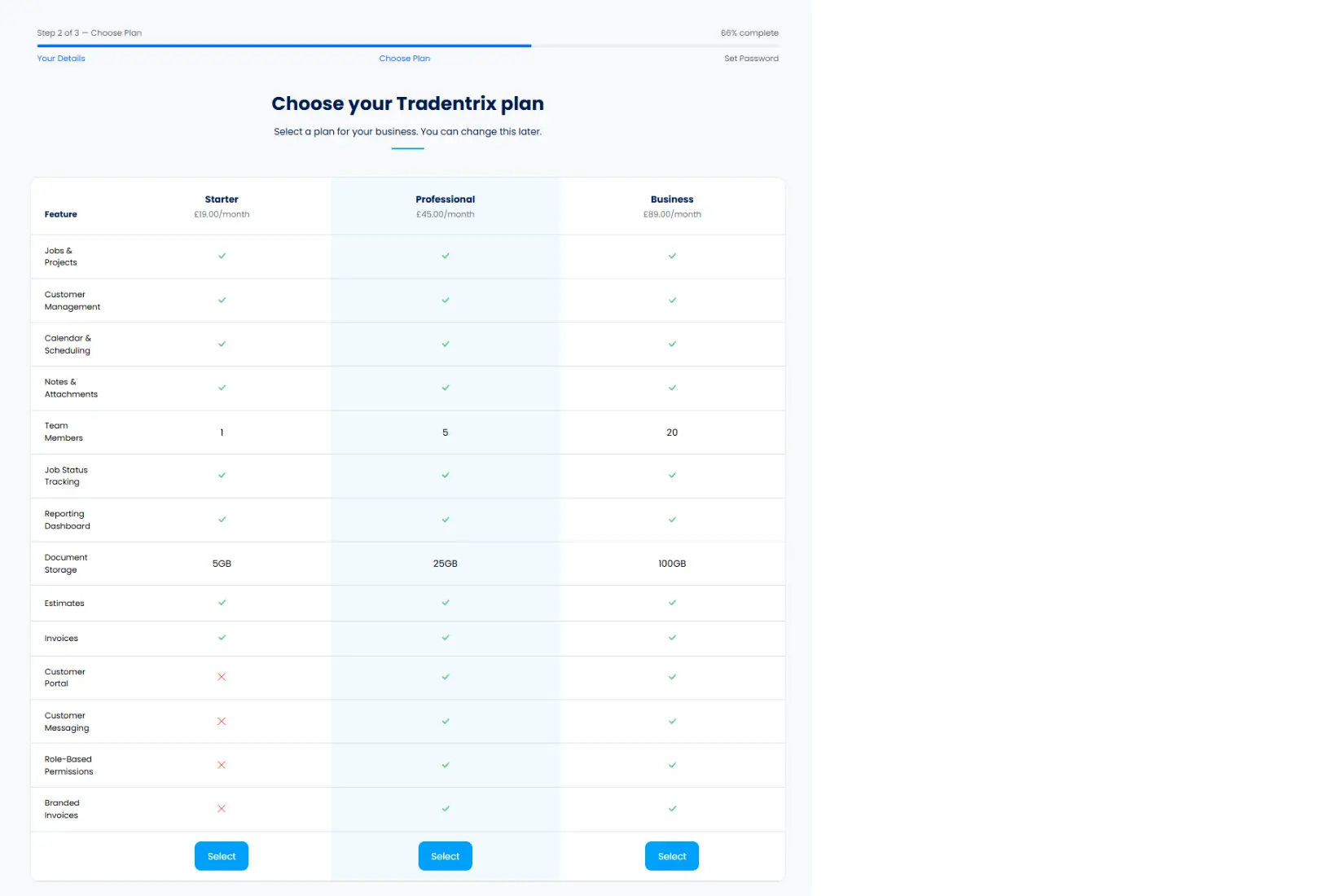
5 Set a password
Finally, set a password for your account. As soon as you confirm it, you're logged in and taken straight to your new dashboard, ready to add your team, customers and first job.